Chick-fil-A App Order & Rewards Calculator
Plan your order, estimate points, and see how much a reward could save.
If you eat at Chick-fil-A more than a couple of times a month and you are not using the official app, you are leaving free food on the table, and this guide exists to fix that. The Chick-fil-A app is the chain’s all-in-one digital hub: it lets you order ahead and skip the line, pay from your phone, track and redeem Chick-fil-A One rewards points, send and receive gift cards, and find restaurants with accurate hours and directions. It is free on both iPhone and Android, takes about five minutes to set up, and starts earning you points from your very first qualifying purchase. In 2026, with the app regularly updated and the rewards program fully integrated into every order type, there is genuinely no reason a regular customer should still be ordering the old-fashioned way. This guide walks through everything the app actually does, how to place your first mobile order, how the points and tiers work, and the practical tips that turn casual use into a steady stream of free menu items, all based on the app’s current published features rather than wishful thinking.
A word on honesty before the details: this is an independent guide, not affiliated with Chick-fil-A, and the app is good but not magic, so this guide will tell you where its limits are as well as its strengths. The app cannot make the restaurant open on Sundays, it cannot conjure delivery where your local franchise does not offer it, and the rewards points, while real, accumulate at a pace that rewards regulars far more than occasional visitors. What the app can do is remove every friction point from the ordering process, make sure you never miss points you have earned, and put customization, payment, and pickup into a single flow that takes less time than reading the menu board. Whether you are a first-time downloader or a longtime user who suspects you are missing features, the sections below cover the complete current picture as of 2026.
What the Chick-fil-A App Actually Does
The app’s feature set is best understood as five tools in one package, each handling a different part of the restaurant experience. First, the restaurant finder locates Chick-fil-A restaurants near you whether you are at home or traveling, with hours, directions, and available ordering options for each location. Second, mobile ordering lets you build your order from the full menu, customize every item, pay in the app, and choose exactly how you want to receive your food. Third, the Chick-fil-A One rewards hub tracks your points balance, your progress toward the next tier, and every reward available to redeem, from free menu items to birthday treats. Fourth, the payment wallet stores your credit cards and your digital gift card balance, letting you check out with a single scan at the counter or drive-thru. Fifth, the personalized menu remembers your favorites and how you like them customized, so reordering your usual takes seconds rather than minutes.
What makes this combination powerful is how the pieces connect: a single mobile order can simultaneously earn you rewards points, spend down your gift card balance, apply a free reward you earned last month, and remember the customizations for next time, all without you managing any of it consciously. The app is free to download and free to use, with the rewards membership itself costing nothing, which means every feature described in this guide is available to anyone willing to create an account. Updates arrive regularly on both platforms, with the Android version most recently updated in September 2026, so the features described here reflect the current state of the app rather than a version from years ago. One honest limitation worth stating upfront: features like delivery and curbside vary by restaurant, because each location is independently operated and chooses which ordering options to support.
How to Order Ahead in the App
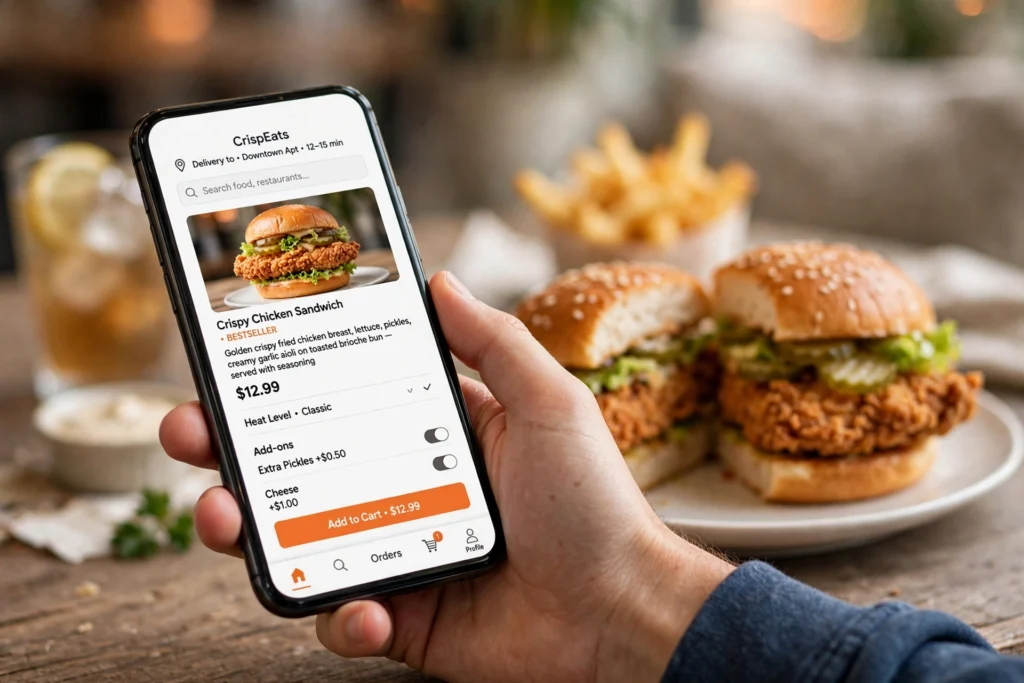
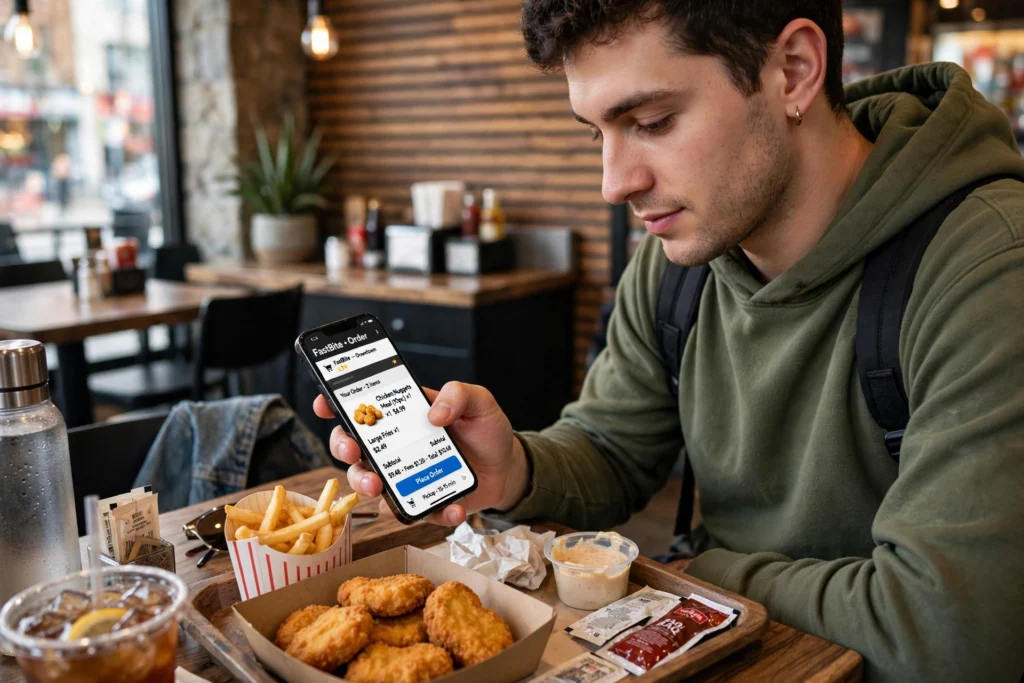
Placing your first mobile order is a short process that becomes second nature after one or two tries, and it is worth doing deliberately the first time so you understand each choice the app offers. Start by downloading the free Chick-fil-A app from the Apple App Store or Google Play and creating your Chick-fil-A One account, which is the same account that tracks your rewards points, so there is no separate signup to manage. Enter or confirm your location so the app can show nearby restaurants, then select the restaurant you want and choose your pickup method from the options it supports, which may include drive-thru, curbside, carryout, dine-in, or delivery depending on the location. Browse the menu and add items exactly as you would at the counter, with full customization available: extra pickles, no bun, sauce selections, and every other modification the kitchen supports.
The payment and arrival flow is where the app’s design really earns its keep. You pay in the app with a stored credit card, your digital gift card balance, or a combination, and you can apply any available rewards to the order before confirming, which is how points become free food in practice. After placing the order, the app asks you to confirm when you arrive, either by tapping a button or through location services, which signals the kitchen to start preparing your food fresh rather than letting it sit. This timing system is the key to hot food: your meal is made when you are actually there, not when you ordered from your couch twenty minutes away. For drive-thru pickup, follow the app’s instructions for the mobile order lane or check-in process at your restaurant, since the exact flow varies by location layout. The whole experience, from opening the app to food in hand, routinely beats the traditional line, especially during the lunch rush when the app users glide past a packed dining room.
Pickup Options: Drive-Thru, Curbside, Carryout & Delivery
One of the app’s most practical features is letting you choose exactly how you receive your food, and understanding each option helps you pick the right one for every situation. Drive-thru pickup is the classic choice: order ahead in the app, then roll through the drive-thru lane where your order is ready or nearly ready, skipping the menu board deliberation entirely. Curbside pickup is the parent’s best friend: park in the designated numbered spots, tap to tell the app you have arrived, and a team member brings the food to your car, which means no unbuckling car seats and no herding children through a parking lot. Carryout means walking in to grab your bag from the pickup area, usually the fastest option if you are already nearby, while dine-in orders can be brought to your table at participating locations.
| Pickup Method | How It Works | Best For |
|---|---|---|
| Drive-thru | Order ahead, pick up through the drive-thru lane | Staying in the car; bad weather |
| Curbside | Park in numbered spots; team member brings food out | Kids in the car; avoiding lines |
| Carryout | Grab your bag from the pickup area inside | Fastest when nearby |
| Dine-in | Order ahead; food brought to your table | Eating at the restaurant |
| Delivery | Order in app; delivered to your address | Where offered by the restaurant |
Delivery deserves a special note because it is the option with the most variation and the most confusion. Where your restaurant offers delivery through the app, you order from the restaurant’s real menu at the restaurant’s own prices, and Chick-fil-A One members earn points on the purchase, which is a meaningful advantage over third-party platforms. But not every location offers app delivery, since franchise operators choose their own setup, and addresses outside the delivery radius will not see the option at all. If delivery is not available through the app at your address, third-party platforms may still serve you, though without the points and often with higher fees. To find your nearest Chick-fil-A restaurant and see which pickup and delivery options it supports, the official location finder is the fastest way to check before you plan around a specific method.
Earning Free Food: Chick-fil-A One Rewards
The rewards program is the reason many people download the app in the first place, and it is genuinely one of the better loyalty programs in fast food, provided you understand how it works. Chick-fil-A One is free to join, and members earn ten points for every dollar spent on qualifying purchases, whether ordered in the app, scanned at the register with the app’s QR code, or paid with the app’s digital gift card. Points accumulate toward redeemable rewards that include free menu items, and the program runs across four tiers, Member, Silver, Red, and Signature, with each tier unlocking additional perks as your annual spending climbs. Birthday rewards arrive in the app around your birthday, and the program periodically runs bonus point challenges that multiply earnings for trying specific items or ordering during promotional windows.
Maximizing the program is less about tricks and more about consistency plus a few habits that ensure you never leave points behind. Always order through the app or scan your QR code at the register, because unlinked purchases earn nothing and there is no retroactive credit for forgotten scans. Transfer gift card balances into the app’s digital gift card, since spending from that balance earns points at the same rate as any other payment while giving you the budgeting benefits of prepaid spending. Watch for bonus challenges in the app’s rewards section, because a double-points week on an item you already buy is effectively a discount for tapping a button. And redeem strategically rather than hoarding: points do expire on a rolling basis, so check your balance periodically and use rewards before they lapse, starting with the ones closest to expiration. None of this requires effort beyond building the habits, and for a regular customer the result is a steady drip of free sandwiches, nuggets, and drinks across the year. Our dessert menu guide is a good place to spend those hard-earned free rewards.
Gift Cards, Payment & Account Tips
The app’s wallet features tie the whole experience together, and a few minutes of setup here pays off on every future visit. You can store credit and debit cards for one-tap checkout, transfer physical gift card balances into the app to create a digital gift card that pays by QR scan, and add funds to that digital balance with a credit card or mobile payment methods like Apple Pay. Buying gift cards for others can also be done through the app, with eGift options that deliver by email, which makes the app a complete gift card manager rather than just a payment tool. The personalized menu deserves mention alongside payments, because once the app learns your favorites and customizations, reordering your usual becomes a two-tap affair, and the order history makes it easy to repeat a group order without rebuilding it item by item.
A handful of account hygiene tips keep everything running smoothly and protect the money stored in your digital wallet. Enable location services for the app, because features like arrival check-in, nearby restaurant finding, and location-based offers depend on it, though you can limit this to while-using-the-app if battery life is a concern. Keep the app updated, since rewards features and menu items change and older versions can display stale information or miss promotions. If you lose your phone or get a new one, your account, points, and gift card balance are tied to your login rather than the device, so signing in on the new phone restores everything. And as with any account holding payment methods, use a strong unique password and keep your recovery email current, because the convenience of one-tap payment deserves the protection of basic security. For the nutritional details of anything you order through the app, the official Chick-fil-A nutrition information page has every item covered.
Frequently Asked Questions
Is the Chick-fil-A app free?
Yes, the Chick-fil-A app is completely free to download and free to use on both iPhone and Android, and the Chick-fil-A One rewards membership inside it is also free. There are no subscription tiers, no premium features behind a paywall, and no cost to earn or redeem points. You only pay for the food you order, at the restaurant’s regular menu prices. The app makes its business sense for the chain through convenience and loyalty rather than through any charge to the customer, which is why every feature, from ordering to rewards, is available from the moment you create your free account. If someone ever asks you to pay for a “premium” Chick-fil-A app, it is a scam, since the only official app is free on both major app stores.
How do you earn points in the Chick-fil-A app?
Members earn ten points per dollar on qualifying purchases by ordering through the app, scanning the app’s QR code at the register or drive-thru, or paying with the app’s digital gift card. Points accumulate in your Chick-fil-A One account and can be redeemed for free menu items, with four membership tiers, Member, Silver, Red, and Signature, unlocking increasing perks as annual spending grows. Bonus point challenges appear periodically in the app and multiply earnings on specific items. Points expire on a rolling basis, so redeem them before they lapse, and check the rewards section regularly since new offers and bonus opportunities are added throughout the year.
Can you order delivery through the Chick-fil-A app?
Yes, where participating restaurants offer it, you can order delivery directly through the Chick-fil-A app from the restaurant’s real menu at its own prices, and Chick-fil-A One members earn points on these orders. However, delivery availability varies significantly because each restaurant is independently operated and sets its own delivery radius and fulfillment method. If the app shows no delivery option for your address, your restaurant may not offer it, in which case third-party platforms or curbside pickup are the alternatives. The official location finder shows which options each restaurant supports.
How does curbside pickup work?
Choose curbside as your pickup method when placing a mobile order, then park in one of the numbered curbside spots at the restaurant and tap in the app to confirm you have arrived. A team member brings your food out to your car, so you never need to go inside or wait in the drive-thru line. The kitchen times preparation to your arrival check-in, which keeps the food hot. Curbside availability varies by location based on parking layout and staffing, so the app will only offer it where the restaurant supports it, and during extreme rushes the option may pause temporarily. If you are new to curbside, the numbered spots are usually marked near the front of the building, and the app’s arrival button is hard to miss once your order is placed.
Can you pay with a gift card in the app?
Yes, and it is one of the app’s most useful features. Transfer a physical or eGift card balance into the app to create a digital gift card, then use it to pay for mobile orders or by scanning your QR code at the register or drive-thru. Spending from the gift card balance earns Chick-fil-A One points at the normal rate, unlike the act of buying the gift card itself, which earns no points. The digital balance can be topped up with a credit card or mobile payment, and the app always shows your remaining balance. Because the balance lives in your account rather than on a piece of plastic, losing your phone does not mean losing your money, as signing in on a new device restores everything.
Does the app work at every Chick-fil-A location?
The core features, mobile ordering, rewards earning, and mobile payment, work at participating Chick-fil-A restaurants across the country, which covers the vast majority of locations. Some licensed or express locations, such as those in airports, stadiums, or universities, may have limited app functionality or not participate in certain features. Specific pickup methods like curbside and delivery depend on the individual restaurant’s facilities and choices. If a feature does not appear for your selected restaurant in the app, that location does not currently support it, so check the official location finder before planning your visit around a specific ordering method.
Final Thoughts
The Chick-fil-A app in 2026 is one of those rare pieces of software that is genuinely worth the home-screen space: free to use, packed with real utility, and directly tied to free food through a rewards program that treats regulars well. Order ahead to skip every line, choose the pickup method that fits your day, pay from your phone or gift card balance, and let the points accumulate into sandwiches and nuggets you did not have to pay for. Set it up once, build the scan-or-order habit, and the app quietly pays you back on every visit. For more ways to make the most of your Chick-fil-A spending, our menu with prices guide helps you order smart, the breakfast menu is perfect for morning mobile orders, and the homepage gathers everything else this independent guide has to offer.